Implementing Cloud Security: Managing the Change
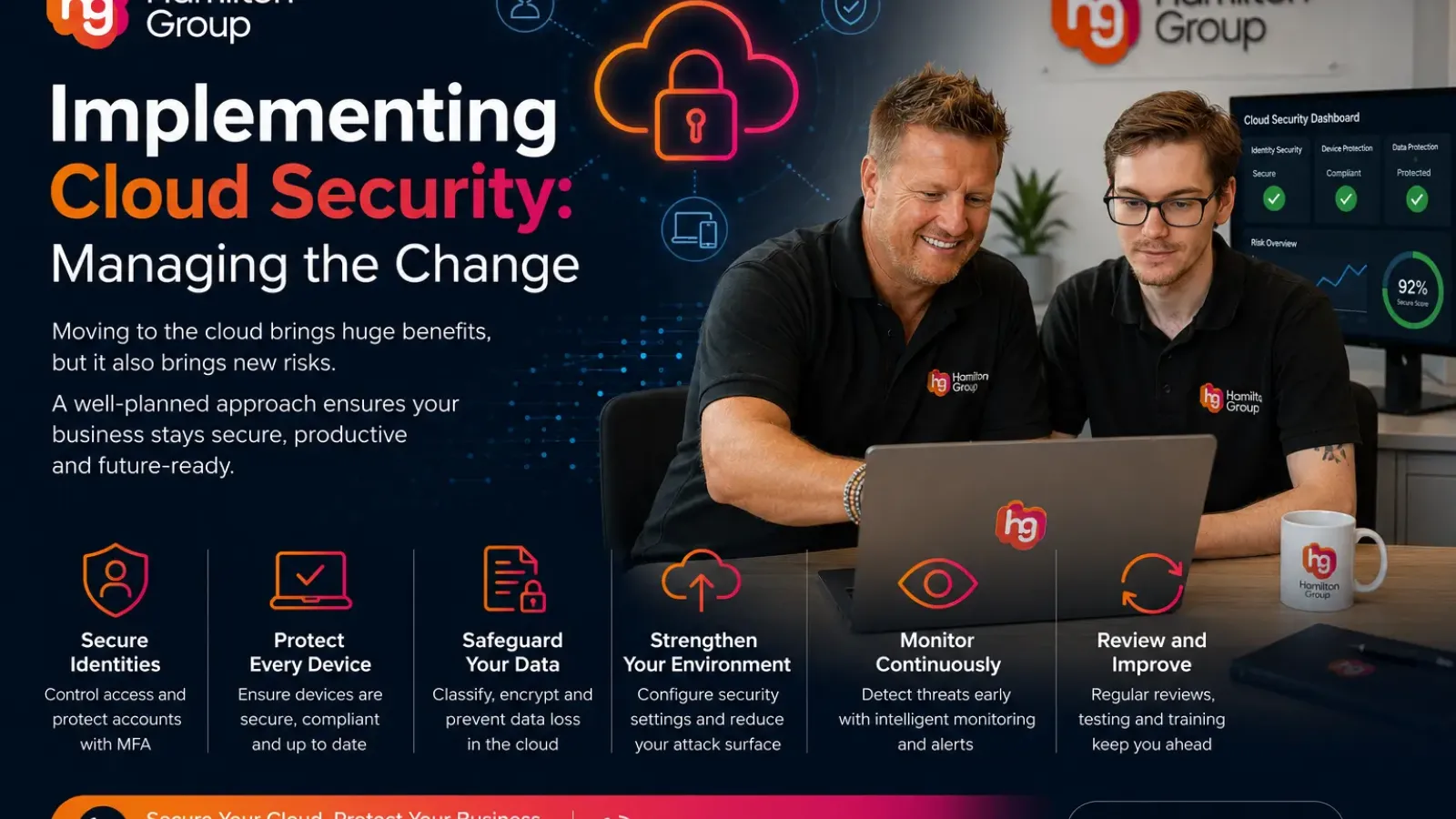
Moving to the cloud can give your business greater flexibility, easier collaboration, improved scalability and access to modern technology without relying entirely on equipment kept at your premises.
However, cloud adoption also changes how your organisation needs to approach security.
When systems, applications and data move beyond the traditional office network, businesses can no longer rely on a firewall and antivirus alone. Security must follow users, devices and information wherever they are accessed.
Successful cloud security is therefore not just a technical project. It is a business change that affects employees, working practices, responsibilities and decision-making.
Why Cloud Security Requires a Different Approach
Traditional IT environments were usually built around a defined perimeter.
Employees worked from an office, accessed systems from company-owned devices and connected through a controlled internal network. Security teams could focus on protecting the boundary between the organisation and the internet.
Cloud working changes this model.
Employees may now access Microsoft 365, cloud storage and business applications from:
- Home networks
- Mobile phones
- Personal and company devices
- Customer sites
- Hotels and public Wi-Fi
- Multiple countries and locations
The location of the user is no longer enough to determine whether access should be trusted.
Modern cloud security must instead consider identity, device health, location, behaviour and the sensitivity of the information being accessed.
Start With a Clear Cloud Security Strategy
Before introducing new security products, the business needs to understand what it is trying to protect.
A cloud security strategy should identify:
- Which systems and applications are moving to the cloud
- What business data they contain
- Who needs access
- Which devices will be permitted
- What legal or regulatory requirements apply
- How incidents will be detected and managed
- Who is responsible for each security control
Without this planning, businesses often end up with overlapping tools, inconsistent settings and gaps between different services.
The strategy should support the organisation’s wider goals rather than creating unnecessary barriers.
Understand the Shared Responsibility Model
One of the most common misconceptions about cloud computing is that the provider becomes responsible for everything.
Cloud providers generally secure the underlying platform, physical data centres, core infrastructure and availability of their services.
The customer remains responsible for areas such as:
- User accounts
- Passwords
- Access permissions
- Security settings
- Device protection
- Data classification
- Backup requirements
- Employee behaviour
- Third-party integrations
The exact balance depends on the type of service being used.
A hosted software application places more responsibility with the provider than a virtual server, but the customer still needs to configure and manage access correctly.
Understanding this division of responsibility helps prevent important tasks from being overlooked.
Make Identity the New Security Perimeter
In a cloud environment, identity is often the most important security control.
If an attacker gains access to a legitimate account, they may be able to access email, files, customer information and connected applications without entering the company network.
Businesses should strengthen identity protection by implementing:
- Multi-factor authentication
- Strong password policies
- Conditional Access
- Separate administrator accounts
- Risk-based sign-in controls
- Regular access reviews
- Prompt removal of old accounts
- Privileged access management
Administrator accounts require particular attention because they can make significant changes across the environment.
They should not be used for everyday email or web browsing.
Manage Access Using Least Privilege
Employees should only have access to the information and systems required for their role.
This is known as the principle of least privilege.
Providing excessive access may seem convenient, but it increases the potential impact of an account compromise or accidental mistake.
Access should be based on job role rather than granted informally over time.
Businesses should regularly review:
- Shared folders
- SharePoint sites
- Teams membership
- Administrative roles
- Cloud application permissions
- Guest users
- Supplier access
- Departed employees
These reviews help prevent privilege creep, where users gradually accumulate access they no longer need.
Secure Every Device
Cloud applications can be accessed from almost anywhere, making device security essential.
A secure cloud environment can still be compromised by an unprotected laptop, outdated phone or infected home computer.
Businesses should define which devices are allowed to access company information and apply appropriate controls.
These may include:
- Device encryption
- Automatic security updates
- Endpoint protection
- Screen-lock policies
- Mobile device management
- Remote-wipe capability
- Application control
- Compliance checks
- Restrictions on personal devices
Tools such as Microsoft Intune can help businesses manage company devices and control access from devices that do not meet security requirements.
Protect Data, Not Just Systems
Cloud security should focus on the information itself.
Businesses need to understand what data they hold, where it is stored and who is allowed to access it.
Not all information carries the same level of risk. Marketing materials may require fewer restrictions than financial records, employee data or confidential client information.
Data protection controls can include:
- Sensitivity labels
- Encryption
- Data loss prevention
- Sharing restrictions
- Retention policies
- Audit logging
- External-sharing reviews
- Information barriers
Classification helps ensure that stronger controls are applied to the most sensitive information.
Review External Sharing
Cloud platforms make collaboration easy, but convenience can also create risk.
Employees may share documents with customers, suppliers and other third parties. Links can sometimes be forwarded or remain active long after they are required.
Businesses should decide:
- Who can share information externally
- Which types of links are permitted
- How long links remain active
- Whether guests must authenticate
- Which data must never be shared externally
- How guest access is reviewed and removed
External collaboration should be enabled deliberately rather than left unrestricted.
Back Up Cloud Data
Cloud services provide resilience and availability, but this does not always replace the need for an independent backup.
Files and emails can still be lost through:
- Accidental deletion
- Malicious insiders
- Ransomware
- Incorrect retention policies
- Account compromise
- Application errors
- Mass data changes
A dedicated cloud backup can provide additional recovery options for Microsoft 365 and other important platforms.
Businesses should test recovery regularly rather than assuming that data can be restored when needed.
Introduce Security Changes Carefully
Cloud security controls can affect how employees work.
For example, multi-factor authentication, device-compliance requirements and sharing restrictions may initially feel inconvenient.
If changes are introduced without explanation, users may become frustrated or attempt to bypass them.
A structured rollout should include:
- Clear communication
- Pilot groups
- Staff guidance
- Training sessions
- Documented procedures
- Support during the transition
- Feedback from users
- Gradual enforcement where appropriate
Employees are more likely to support changes when they understand the reason behind them.
Avoid Trying to Change Everything at Once
Cloud security is best implemented in stages.
Attempting to apply every available control immediately can create disruption and make it difficult to identify the cause of problems.
A practical sequence might include:
- Securing administrator accounts
- Enabling multi-factor authentication
- Reviewing user access
- Introducing device management
- Configuring Conditional Access
- Improving data protection
- Strengthening monitoring and alerting
- Testing incident response and recovery
Each stage should be tested and reviewed before moving to the next.
Monitor the Environment Continuously
Cloud security is not a one-off configuration exercise.
New accounts, devices and applications are constantly added. Employees change roles, suppliers gain temporary access and attackers develop new techniques.
Businesses should monitor for:
- Suspicious sign-ins
- Impossible travel
- Repeated authentication failures
- New administrator accounts
- Unusual mailbox rules
- Large downloads
- Unexpected sharing
- Disabled security controls
- Access from unmanaged devices
Alerts need to be reviewed promptly. Collecting logs without anyone responding to them provides limited protection.
Prepare for Security Incidents
Even with strong controls, businesses must be prepared for something to go wrong.
A cloud incident response plan should explain:
- How suspicious activity is reported
- Who investigates alerts
- How accounts are disabled
- How sessions are revoked
- How devices are isolated
- How data is restored
- Who communicates with customers or regulators
- How evidence is preserved
Practising these procedures can reveal weaknesses before a real incident occurs.
Measure Progress
Managing change is easier when the business can demonstrate improvement.
Useful measures may include:
- Percentage of accounts protected by MFA
- Number of unmanaged devices
- Number of privileged accounts
- Time taken to disable departed users
- External sharing levels
- Security incidents detected
- Backup success rates
- Recovery test results
- Staff training completion
These measures help leadership understand whether the cloud security programme is delivering real value.
Cloud Security Is an Ongoing Business Process
Implementing cloud security is not simply about purchasing a licence or turning on a few settings.
It requires planning, clear responsibilities, employee engagement and continuous review.
The most successful organisations combine secure technology with sensible policies and well-informed staff. They introduce change gradually, measure the results and adjust controls as the business evolves.
How Hamilton Group Can Help
Hamilton Group helps businesses adopt cloud services securely and confidently.
We can review your existing Microsoft 365 and cloud environment, strengthen identity and access controls, manage devices, improve data protection and provide ongoing monitoring and support.
Whether you are beginning your move to the cloud or need to improve an existing environment, we can help you manage the change while keeping your business productive and secure.
To discuss your cloud security requirements, contact Hamilton Group on 0330 043 0069.