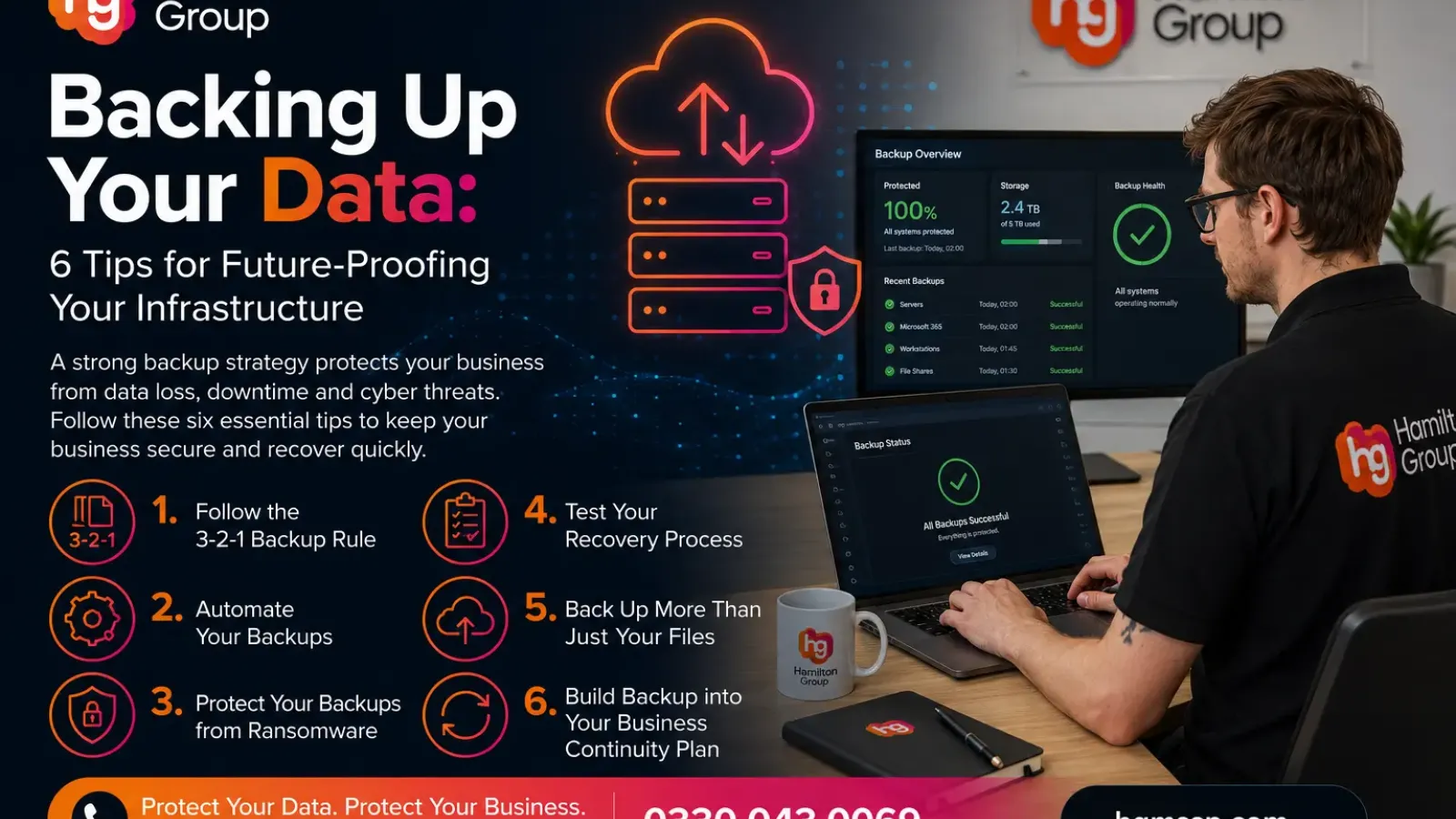
Backing Up Your Data: 6 Tips for Future-Proofing Your Infrastructure
Data is one of your business’s most valuable assets. Whether it’s customer information, financial records, emails, project files or business applications, losing access to your data can bring operations to a standstill.
Unfortunately, many businesses only think about backups after disaster strikes. A ransomware attack, accidental deletion, hardware failure or even a simple human error can result in significant downtime, financial loss and reputational damage.
A robust backup strategy isn’t just about recovering files—it’s about ensuring your business can continue operating no matter what challenges arise.
Here are six practical tips to help future-proof your infrastructure and keep your data safe.
1. Follow the 3-2-1 Backup Rule
The 3-2-1 backup strategy has stood the test of time because it’s simple, reliable and highly effective.
It recommends keeping:
- Three copies of your data
- Two different types of storage
- One copy stored off-site or offline
For example:
- Your live production data
- A local backup on a dedicated backup device
- A secure cloud backup stored in a separate location
This approach protects against equipment failure, theft, fire, flooding and cyber attacks.
If one copy becomes unavailable, you still have multiple recovery options.
2. Automate Your Backups
One of the biggest mistakes businesses make is relying on someone to remember to run backups manually.
People get busy, go on holiday or simply forget.
Automated backups ensure your data is protected consistently without relying on human intervention.
Modern backup solutions can automatically protect:
- Microsoft 365
- Servers
- Virtual machines
- Databases
- Workstations
- File shares
- Cloud platforms
Automation also provides reports, alerts and monitoring so problems can be identified before they become disasters.
3. Protect Your Backups from Ransomware
Today’s cyber criminals don’t just encrypt your production systems.
Many actively search for connected backup devices and encrypt or delete those too.
This is why backup security is just as important as backing up itself.
Protect your backups by:
- Using immutable (tamper-proof) backups where possible
- Keeping offline backup copies
- Restricting administrator access
- Encrypting backup data
- Using Multi-Factor Authentication
- Separating backup systems from your production network
If attackers cannot access your backups, your recovery becomes significantly easier.
4. Test Your Recovery Process
A backup is only useful if it can actually be restored.
Many organisations discover too late that backups have failed for weeks or that critical applications weren’t included.
Regular testing should include:
- Restoring individual files
- Recovering virtual servers
- Testing Microsoft 365 recovery
- Verifying application databases
- Measuring recovery times
Recovery testing also allows your IT team to understand exactly how long it would take to restore normal business operations.
Knowing this before an emergency occurs can make a huge difference.
5. Back Up More Than Just Your Files
Businesses often assume that cloud platforms automatically protect everything.
While services like Microsoft 365 provide excellent availability, they do not replace a dedicated backup solution.
Many businesses overlook:
- Microsoft Exchange Online
- OneDrive
- SharePoint
- Microsoft Teams
- Azure resources
- CRM systems
- SaaS applications
If data is accidentally deleted, overwritten or encrypted by ransomware, recovery options may be limited without an independent backup.
A complete backup strategy should cover every critical business system—not just your on-premises servers.
6. Build Backup into Your Business Continuity Plan
Backups are only one part of disaster recovery.
Your business also needs a documented plan covering:
- Who is responsible during an incident
- Which systems must be restored first
- Recovery priorities
- Communication procedures
- Alternative working arrangements
- Recovery time objectives (RTOs)
- Recovery point objectives (RPOs)
Planning ahead significantly reduces downtime and helps your business recover faster when unexpected events occur.
Businesses that regularly review and update their continuity plans are generally far more resilient than those that simply rely on backups alone.
Future-Proof Your Business Before Disaster Strikes
Technology continues to evolve, and so do the threats facing businesses.
Ransomware, accidental deletion, hardware failures and increasingly sophisticated cyber attacks make data protection more important than ever.
By implementing a modern backup strategy, automating protection, securing backup copies and regularly testing recovery, you can dramatically reduce the impact of unexpected incidents.
Remember, the question isn’t if your business will experience a technology issue—it’s when.
The organisations that recover fastest are the ones that prepared in advance.
How Hamilton Group Can Help
At Hamilton Group, we help businesses protect what matters most.
Our managed backup and disaster recovery solutions provide secure, automated protection for your servers, Microsoft 365, cloud environments and business-critical systems. We continuously monitor backups, test recoverability and help ensure your business can recover quickly from cyber attacks, hardware failures or accidental data loss.
Whether you’re looking to improve your existing backup strategy or build a complete business continuity plan, our team is here to help.
To find out how Hamilton Group can help future-proof your infrastructure, call us today on 0330 043 0069.