Eight Critical Free Tips to Keep Your Business Secure
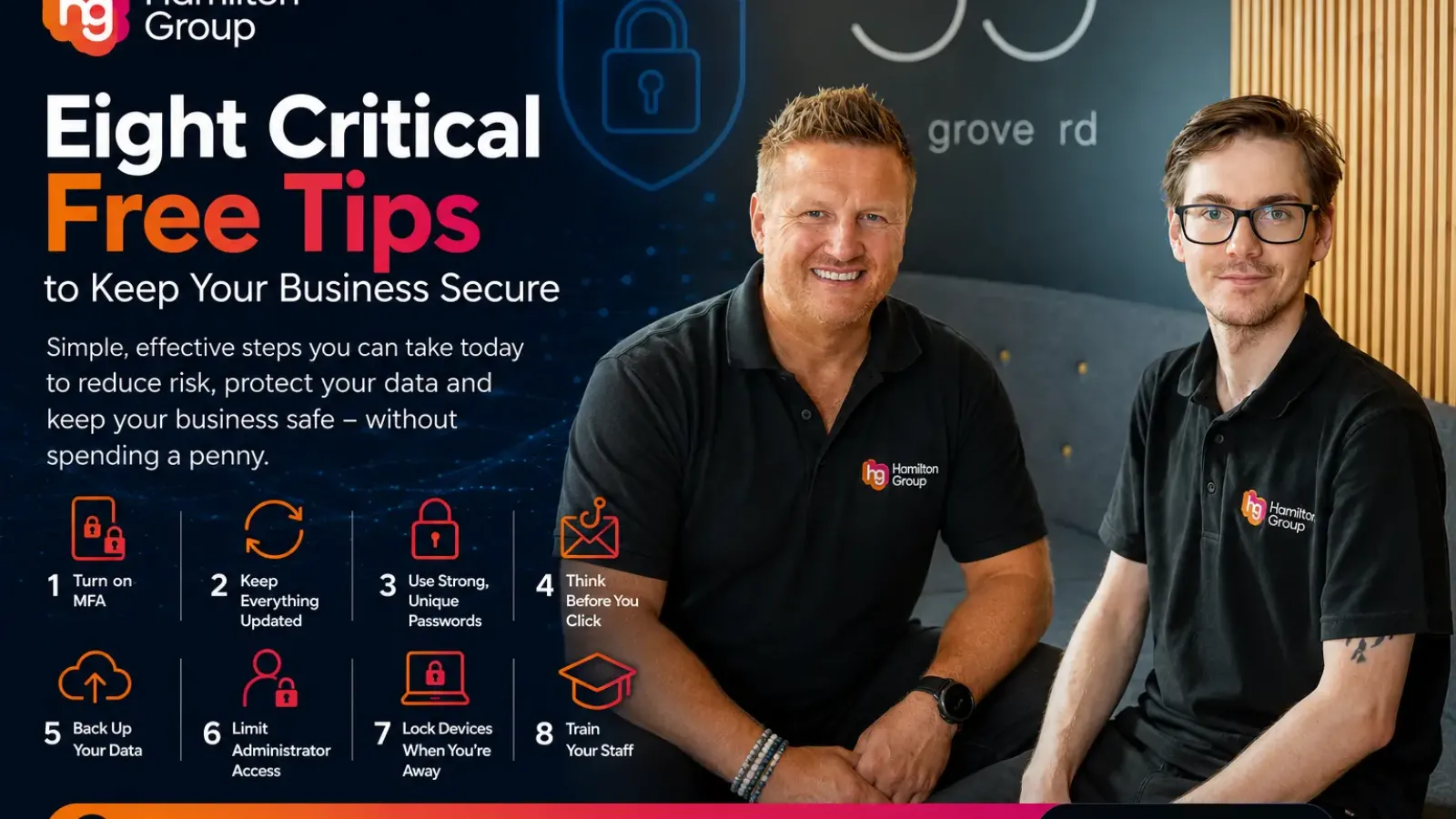
For many business owners, cyber security sounds expensive. Images of enterprise firewalls, artificial intelligence and dedicated security teams often make it seem like protecting your business is only possible with a large IT budget.
The good news is that many of the most effective security measures cost nothing at all. In fact, some of the biggest data breaches occur because organisations fail to implement simple best practices that are available for free.
Whether you’re a small business or a growing organisation, these eight tips can dramatically reduce your cyber risk without spending a penny.
1. Turn on Multi-Factor Authentication (MFA)
If you only do one thing after reading this article, make it this.
Passwords are stolen every day through phishing emails, malware and data breaches. Multi-Factor Authentication adds an extra layer of protection by requiring a second form of verification before someone can access your account.
Even if a criminal discovers your password, they are unlikely to have your authentication app or security key.
Enable MFA on:
- Microsoft 365
- Email accounts
- Banking platforms
- Remote access services
- Cloud applications
- Password managers
It takes just a few minutes to enable but can prevent one of the most common types of cyber attack.
2. Keep Everything Updated
Cyber criminals actively search for computers and servers running outdated software.
Software vendors regularly release security updates to fix newly discovered vulnerabilities. Delaying these updates leaves the door open for attackers.
Make sure you regularly update:
- Windows
- macOS
- Mobile phones
- Web browsers
- Microsoft Office
- Servers
- Firewalls
- Business applications
Automatic updates should be enabled wherever possible.
3. Use Strong, Unique Passwords
Using the same password across multiple systems is one of the biggest security risks facing businesses.
If one website suffers a breach, criminals will often try those same credentials against Microsoft 365, remote desktop services and other business platforms.
Instead:
- Use long passwords or passphrases
- Never reuse passwords
- Avoid predictable information like birthdays or company names
- Consider using a reputable password manager
Your password is often the first line of defence.
4. Think Before You Click
Phishing attacks continue to be responsible for thousands of successful breaches every year.
Cyber criminals have become extremely convincing. Emails can appear to come from suppliers, customers, banks or even colleagues.
Before clicking:
- Check the sender carefully
- Hover over links before opening them
- Be suspicious of urgent requests
- Never open unexpected attachments
- Verify payment requests by telephone
If something feels unusual, it probably is.
5. Back Up Your Data Properly
Backups are your safety net if disaster strikes.
Whether your business suffers ransomware, accidental deletion or hardware failure, a recent backup can save days or even weeks of disruption.
Remember:
- Keep multiple backup copies
- Store one copy offline or in a separate location
- Test restoring files regularly
- Include Microsoft 365 data where appropriate
A backup you have never tested cannot be trusted.
6. Limit Administrator Access
Not every employee needs administrator privileges.
The more users with elevated permissions, the greater the risk if one account becomes compromised.
Follow the principle of least privilege:
- Standard accounts for everyday work
- Administrator accounts only when required
- Remove old user accounts promptly
- Regularly review permissions
Limiting access limits potential damage.
7. Lock Devices When You’re Away
Many security incidents don’t involve hackers at all.
An unattended laptop in an office, reception area or coffee shop can quickly expose confidential information.
Develop simple habits:
- Press Windows + L before walking away
- Lock Macs using Control + Command + Q
- Enable automatic screen locking
- Require passwords after sleep
Physical security remains an important part of cyber security.
8. Train Your Staff
Technology alone cannot stop every attack.
Employees are your first line of defence and often your greatest vulnerability if they have not received appropriate training.
Regular awareness sessions help staff recognise:
- Phishing emails
- Social engineering
- CEO fraud
- Fake websites
- Password attacks
- Safe internet browsing
The more informed your team becomes, the harder it is for cyber criminals to succeed.
Cyber Security Doesn’t Have to Be Complicated
Many businesses believe they need expensive security products before they can improve their cyber resilience.
In reality, simple habits such as enabling Multi-Factor Authentication, applying updates promptly, using strong passwords and educating employees can prevent a significant number of cyber attacks.
Cyber security is about reducing risk through multiple layers of protection rather than relying on a single product.
How Hamilton Group Can Help
While these free tips provide an excellent starting point, every business has different risks and compliance requirements.
Hamilton Group helps organisations across the UK strengthen their cyber security through proactive monitoring, Microsoft 365 security, managed firewalls, endpoint protection, employee awareness training, secure backups and fully managed IT support.
If you’d like to understand how secure your business really is, we’d be happy to carry out a security review and identify practical improvements.
Call Hamilton Group today on 0330 043 0069 to discuss how we can help keep your business secure or book an appointment with one of our experts.